

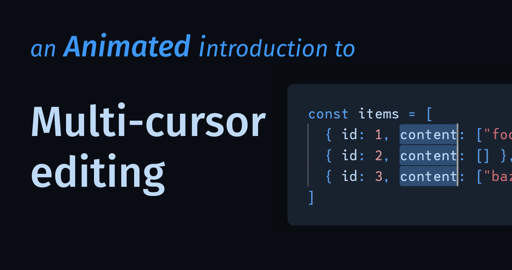
<C-v>4j:s/element/container/g🤷In VSCode, you can enable multiple cursors by clicking on the desired positions while holding down Alt/Option. I think they’re enabled by default when making block selections (CBA to remember the modifiers you have to press while drawing a selection with the mouse). And to cover a whole file, first use Find to find the thing you want to change, then hit Alt/Option+Enter to select every instance of the subject string. Now any edit you make will affect every instance.
Basic stuff, but I see a lot of people not really taking advantage of the tools they might’ve been using for years.
Or Sublime Text
Or just use an editor built on this concept, like Helix.Edit: Okay. I got downvoted and I see why. Let me rephrase:
If you are interested in this editing mode, you should check out editors that are built around this concept, like Helix (and certain vim/neovim configs/plugins). Having native integration makes it insanely powerful (and you don’t have to get Emacs pinky from all the modifier presses).